
Description
Visual Workflow Management for SuiteCRM
While SuiteCRM is excellent for managing customer relationships, operational work such as projects, tasks, and support cases is often buried in list views and reports.
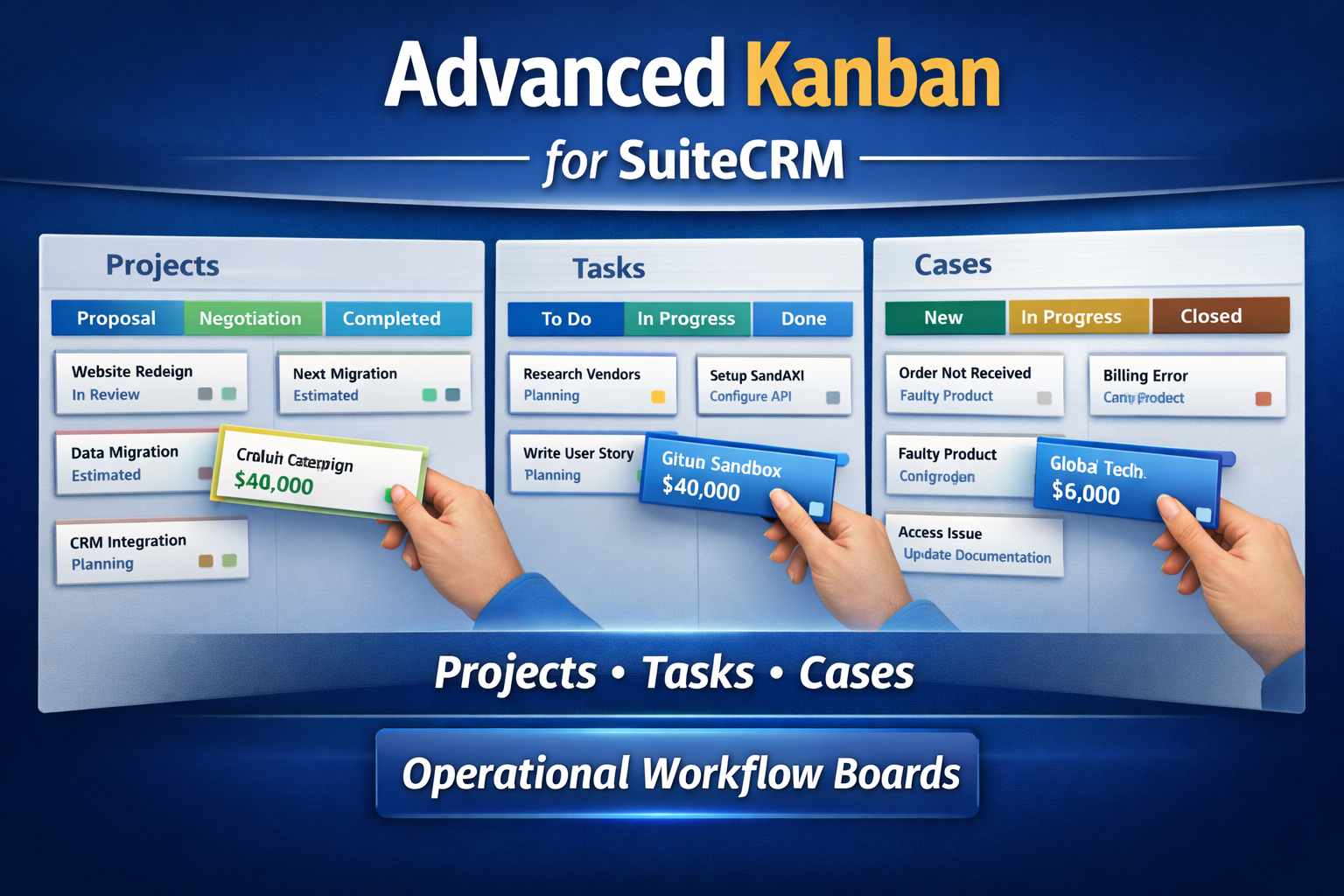
The iGo Advanced Kanban for SuiteCRM introduces visual workflow boards that allow teams to manage operational work the same way modern teams manage development or project workflows.
With Kanban boards for Projects, Project Tasks, and Cases, teams can instantly see what needs attention and move work forward with simple drag-and-drop interaction.
Project Management Kanban Board for SuiteCRM
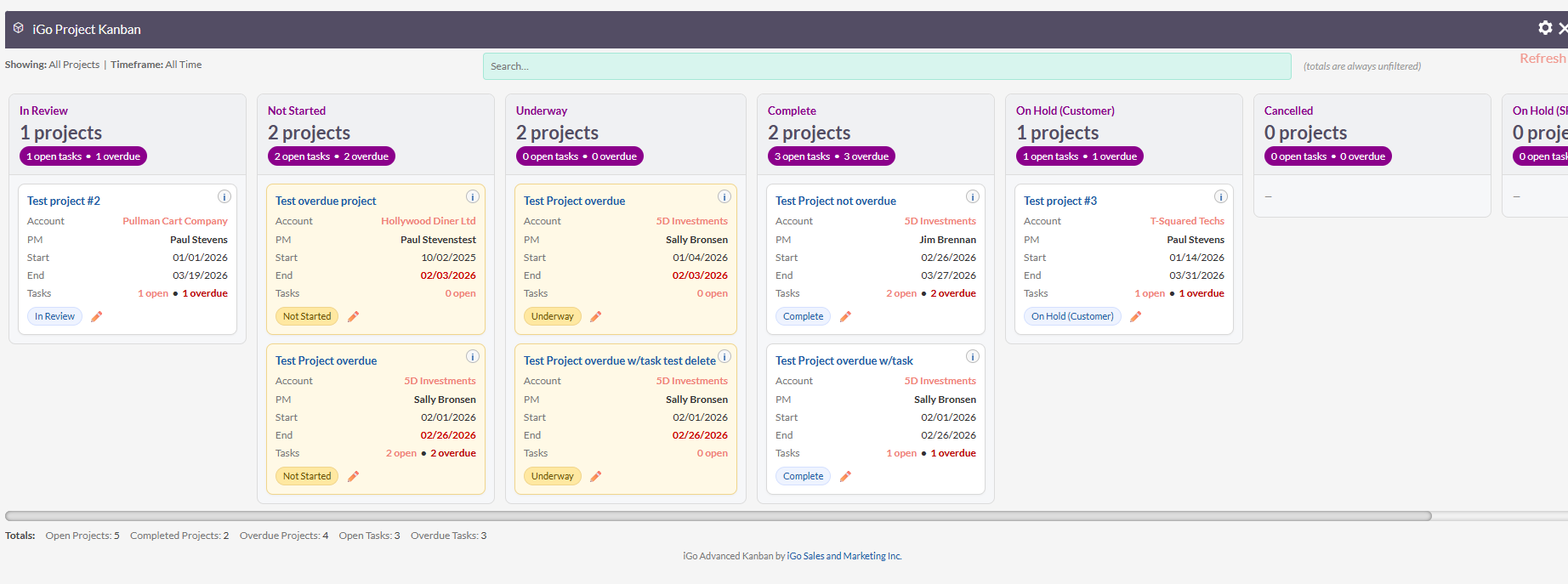
The Project Kanban board provides a clear visual overview of all active projects and their current stage.
Instead of navigating through project records individually, teams can quickly identify:
- Active projects
- Stalled projects
- Completed work
- Upcoming deadlines
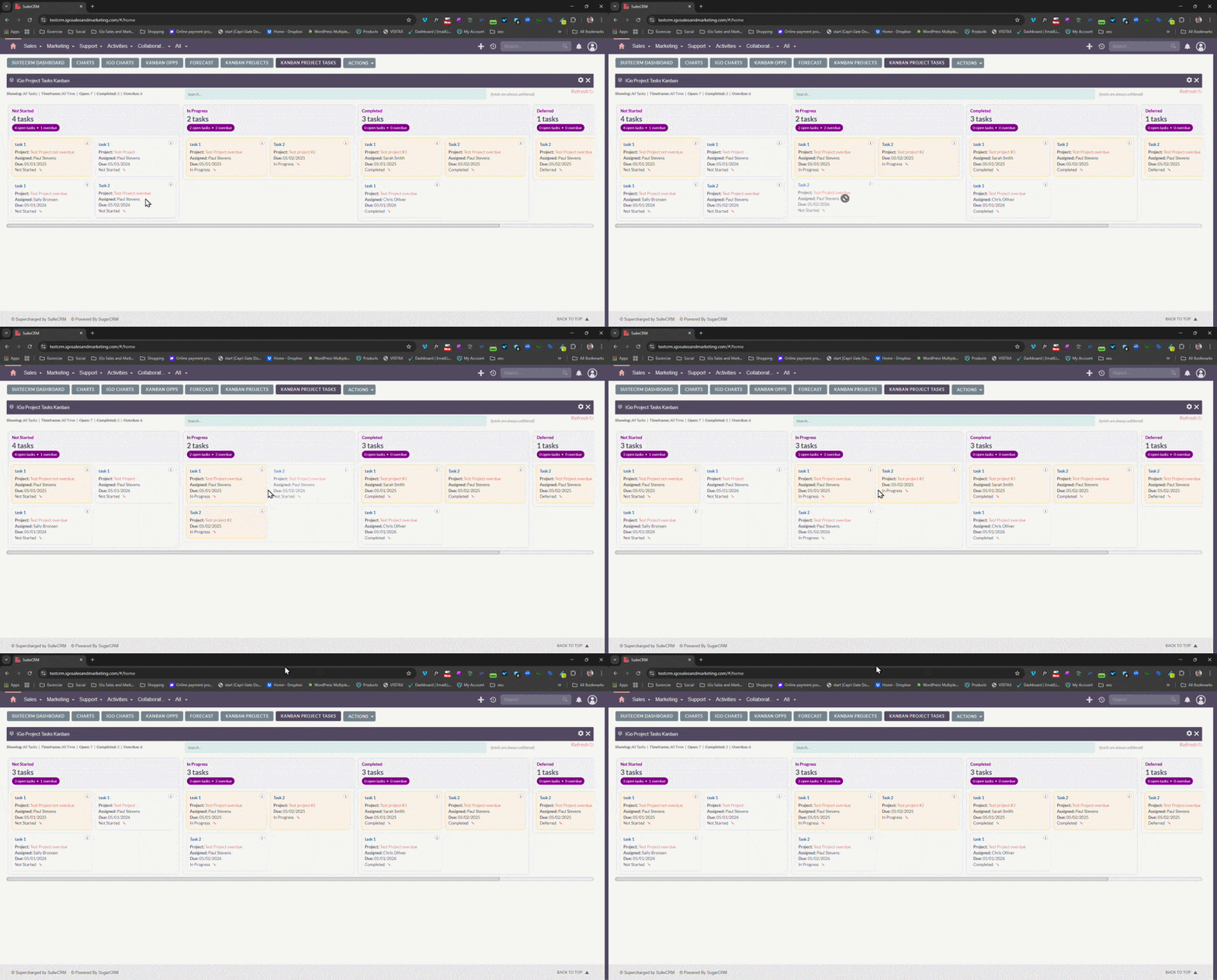
Projects can be moved between stages using drag-and-drop to reflect real progress.
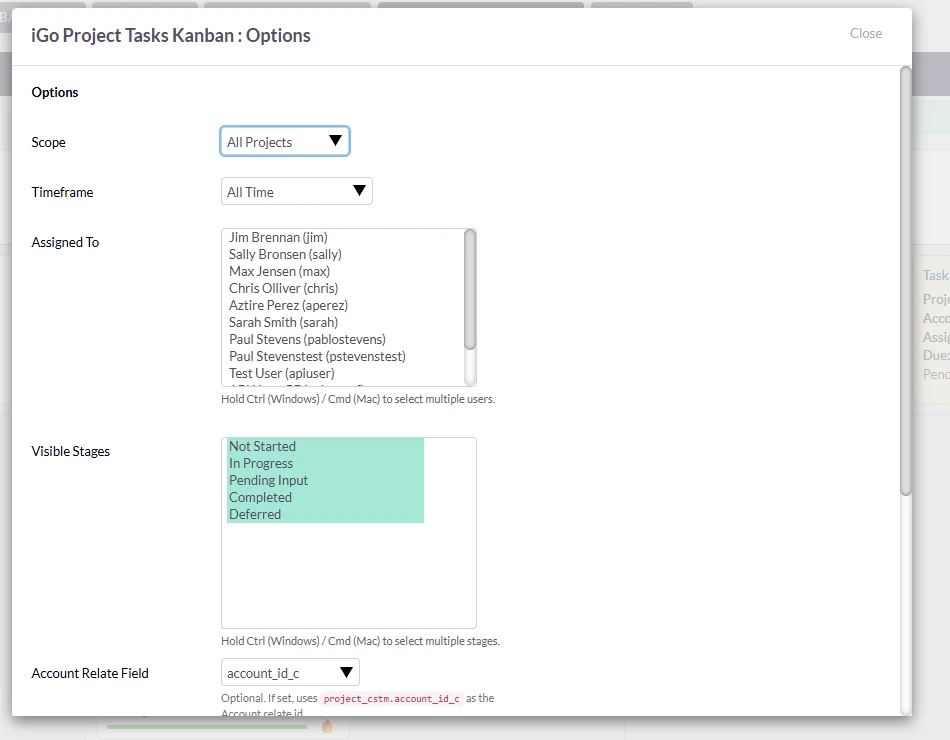
Project Task Kanban
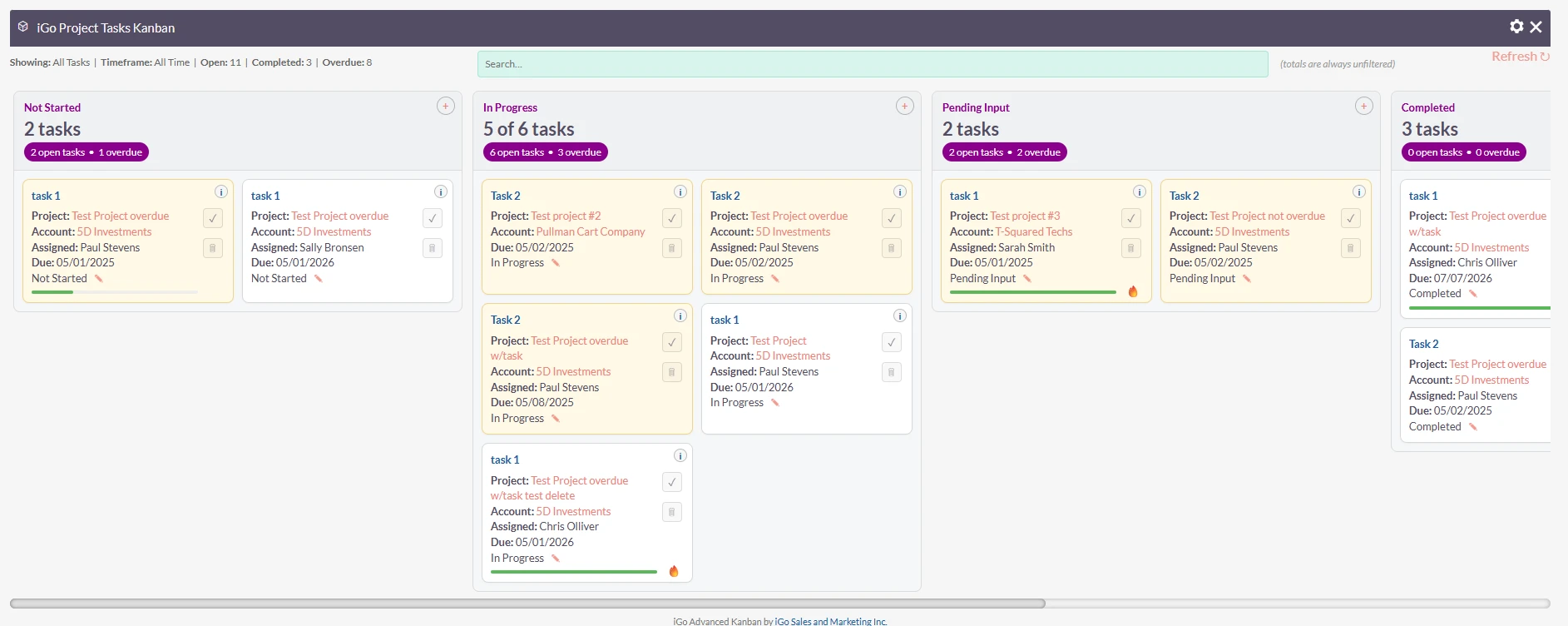
Project tasks become much easier to manage when displayed visually.
The Project Task Kanban board allows teams to organize tasks by stage and quickly identify bottlenecks.
Benefits include:
- Clear task workflow
- Faster prioritization
- Improved team collaboration
- Easier workload management
Case Management Kanban
Support and service teams benefit from a visual case workflow.
The Cases Kanban board helps teams track the progress of customer issues and ensures nothing gets lost in the system.
Support managers can instantly see:
- New incoming cases
- Cases waiting for response
- Cases in progress
- Cases resolved
Drag-and-Drop Workflow
All boards support simple drag-and-drop interaction.
Users can move records between stages and the plugin automatically updates the corresponding fields in SuiteCRM.
This makes managing work faster and more intuitive.
Designed for SuiteCRM
The plugin works directly with existing SuiteCRM modules and fields.
Supported modules include:
- Projects
- Project Tasks
- Cases
No complex configuration or schema changes are required.
Perfect For
This plugin is ideal for organizations that use SuiteCRM for operational workflows such as:
- Project management
- Implementation tracking
- Support and service teams
- Internal task management
Turn SuiteCRM Into a Visual Work Management System
The iGo Advanced Kanban for SuiteCRM helps teams manage operational work with clarity and speed.
By bringing visual workflow management into SuiteCRM, organizations can improve visibility, collaboration, and productivity.




Reviews
There are no reviews yet.